Slides
Give your ideas a clear story.
Turn an idea or document into an editable presentation. Refine the structure and export PPTX or HTML.
Idea / documentPresentation
- Editable slides
- PPTX / HTML
Three tools. Work you can share.
Create presentations with Slides, turn spreadsheets into clear answers with Charts, and find the best moments in long videos with Clips.
Explore the tools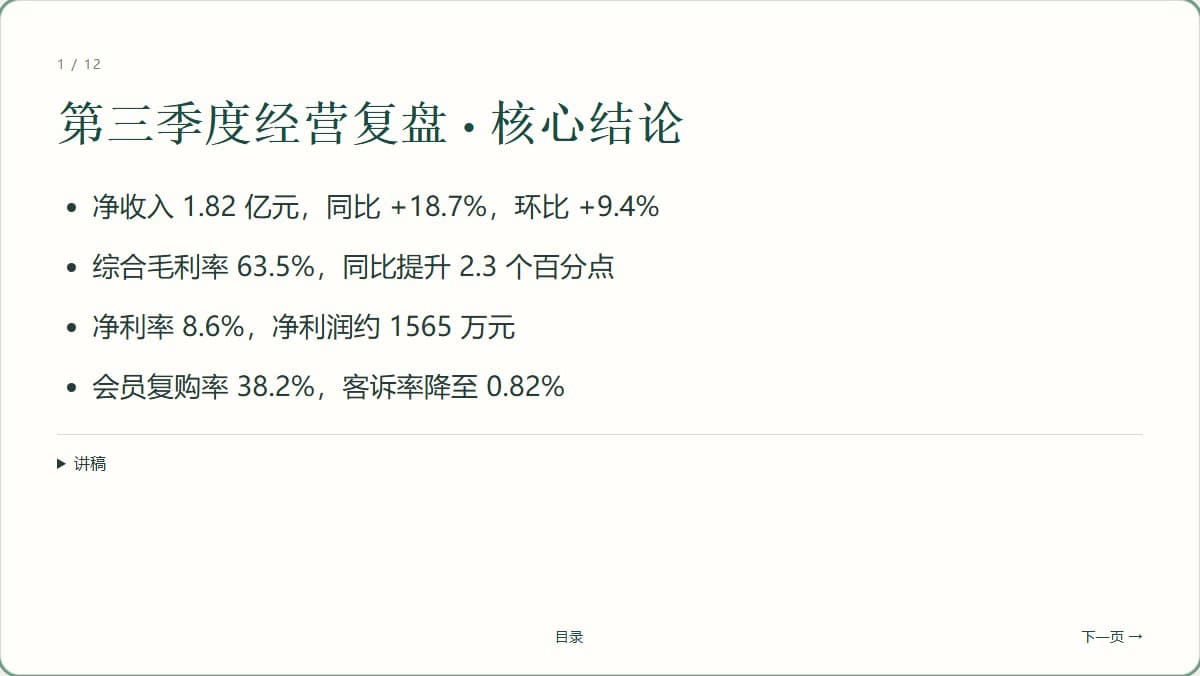
Downloadable sample · synthetic content
A structured deck, ready to edit.
Start with your material. Choose the tool for the result you need.
Give your ideas a clear story.
Turn an idea or document into an editable presentation. Refine the structure and export PPTX or HTML.
Let your data explain itself.
Ask questions about an Excel or CSV file. Get charts, checkable conclusions and the calculations behind them.
Find the moments worth sharing.
Turn long videos, interviews and podcasts into short clips. Review highlights, add captions and reframe for social channels.
01
An idea, a document, a spreadsheet or a long video.
02
Review the slides, check the analysis or choose the clips.
03
Take your presentation, charts or captioned clips into your next meeting or post.
Each product starts from material you already have and hands back files you can open, edit and share. None of them ask you to start from a blank template.
Slides · toslides.com
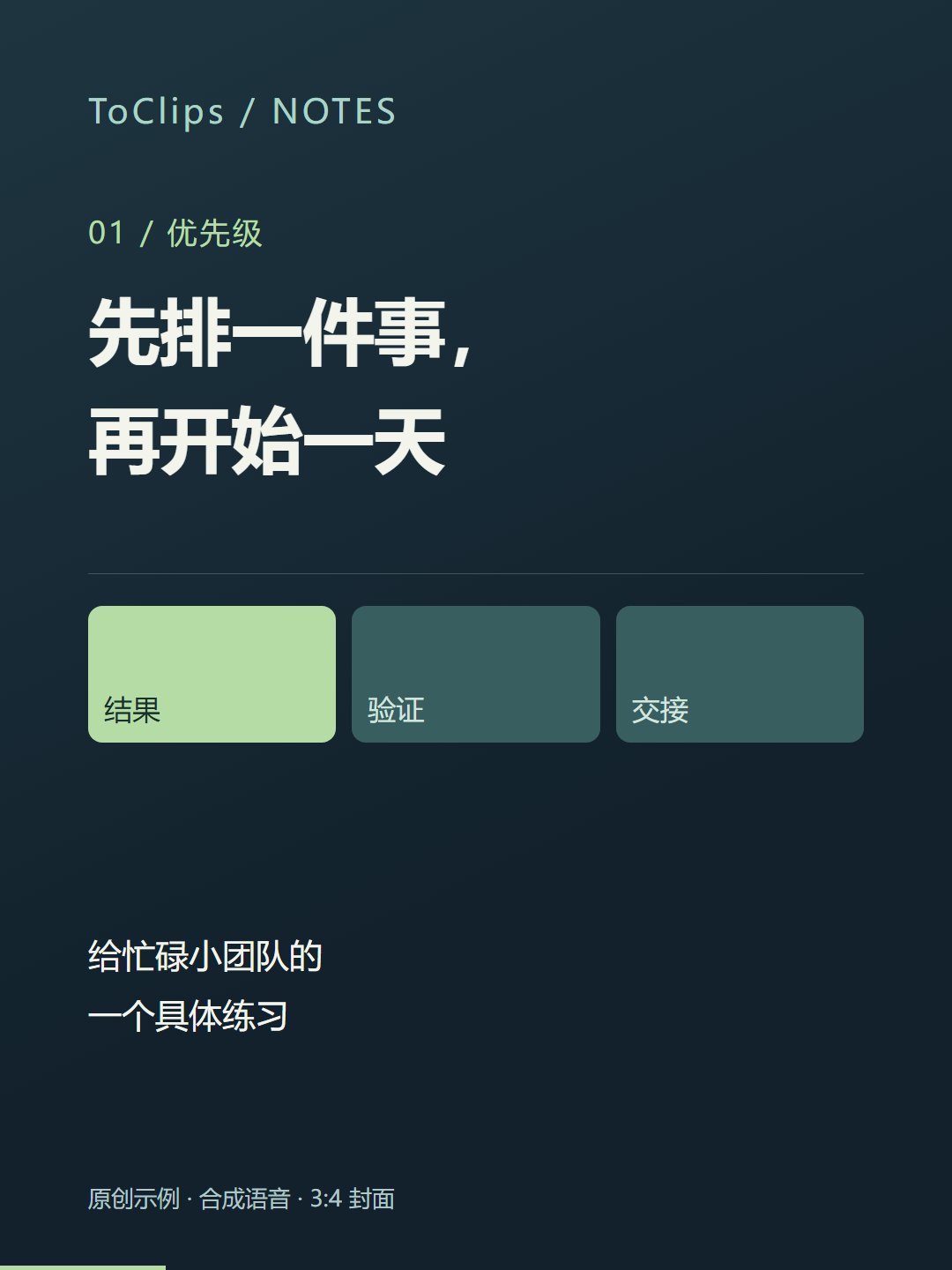
Upload notes, a report or an existing deck and describe the audience. Slides writes the storyline, the slide text and speaker notes for every slide, then delivers an editable PPTX and an offline HTML presentation.
Charts · tocharts.com
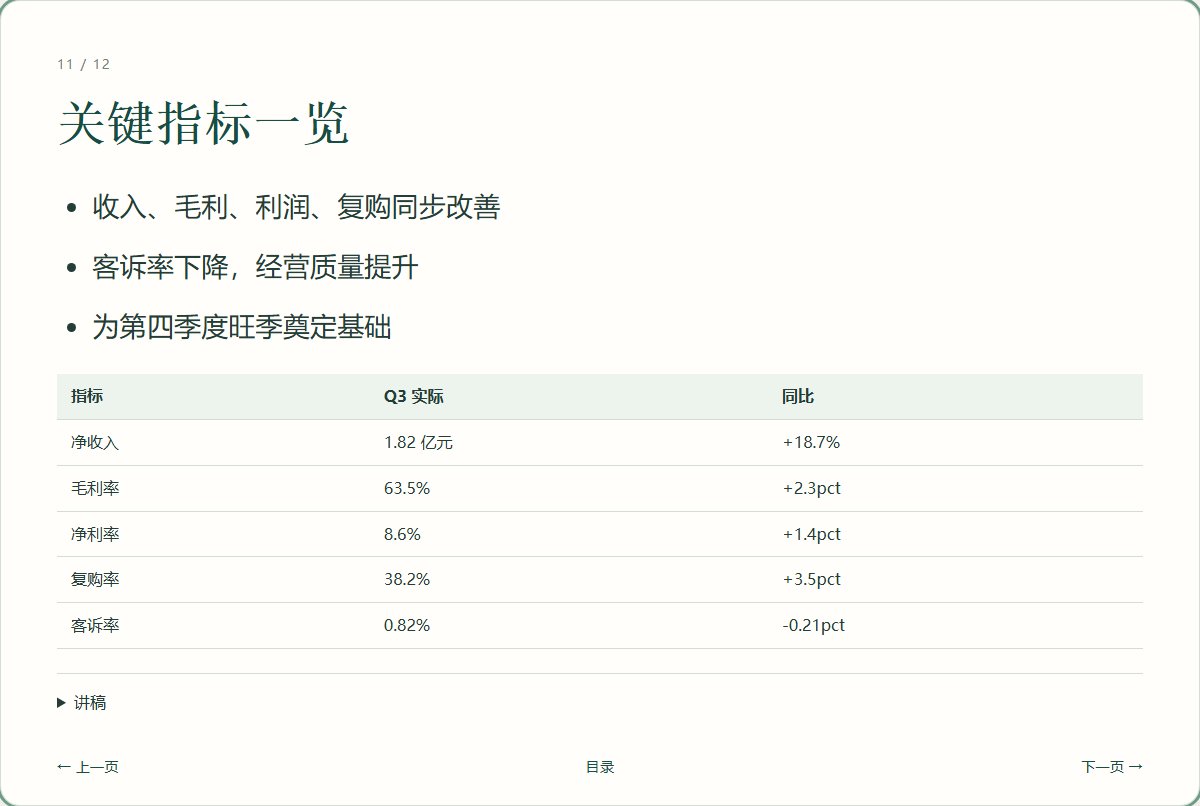
Upload CSV or Excel files and ask in plain language. Charts calculates in code, reconciles totals against the source, and returns tables, charts and a written summary with every step and assumption listed.
Clips · toclips.com
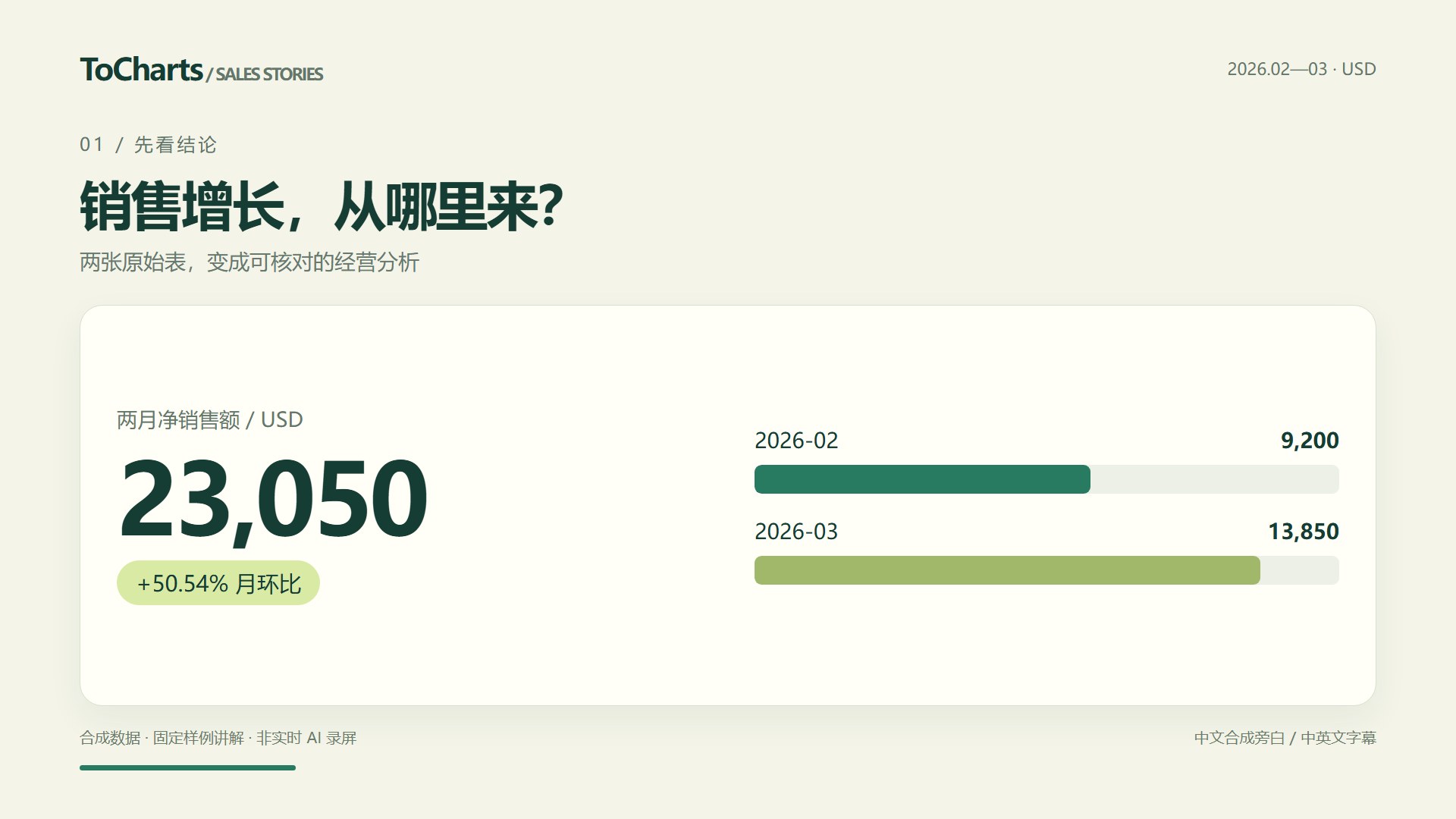
Upload interviews, podcasts, webinars or lessons. Clips transcribes them, picks complete moments with the reason for each, and renders captioned clips in the aspect ratios you need, with a cover and post copy.
| Start with | You get | Free without an account | |
|---|---|---|---|
| Slides | Notes, reports, Word, PDF or PPTX | Editable PPTX, offline HTML deck, speaker notes | 10 presentation tools and the slide editor |
| Charts | CSV, TSV or XLSX, plus context files | Excel with charts, CSV, JSON, HTML dashboard | Bar, pie and line chart makers |
| Clips | Long video or audio recordings | Captioned MP4 clips, SRT/VTT, covers, zip | Samples and guides |
AI output is only useful when you can see where it came from. Every product keeps the evidence next to the result.
Each slide carries speaker notes, and follow-up requests change only what you ask for.
Steps, totals checks and assumptions come with every answer, and the Excel file lets you recompute any figure.
Every clip lists the exact time range of the recording it came from, with the reason it was picked.
01
Your EndTo account signs you in to Slides, Charts and Clips. You never create three separate accounts.
02
Credits are reserved when you submit a task, settled against actual usage, and anything unused is returned. Each product lists its own credit packs.
03
Uploads and results are tied to your account, downloads are checked against it, and nothing you create is published as a public page.
EndTo.AI makes three AI products for everyday work: Slides turns documents into presentations, Charts answers questions about spreadsheets, and Clips cuts long videos into short captioned clips. One EndTo account signs you in to all three.
No. Sign in once with your EndTo account and you are signed in to Slides, Charts and Clips.
AI tasks use EndTo credits from a single balance. Credits are reserved when you submit, settled against actual usage when the task finishes, and unused credits are returned. Each product shows its credit packs on its pricing page.
Yes. Every product has a public sample with downloadable files, and Slides and Charts also offer free browser tools that need no account.
Slides delivers editable PPTX and offline HTML decks. Charts delivers Excel workbooks with native charts, CSV, JSON and an HTML dashboard. Clips delivers captioned MP4 clips, SRT/VTT subtitles, cover images and a zip of everything.
Yes. Uploads and results are stored with your account, downloads are checked against your account, and nothing you create is published as a public page.
Yes. All three products have English and Chinese interfaces, and they work with English or Chinese material.
No. All three products run in the browser.
A document, a spreadsheet or a long recording is enough to start. Pick the product for the result you need.